Your AI usage,
always in sight.
See Claude Code and Codex limits on your iPhone, widgets, and Mac — before you hit the wall.
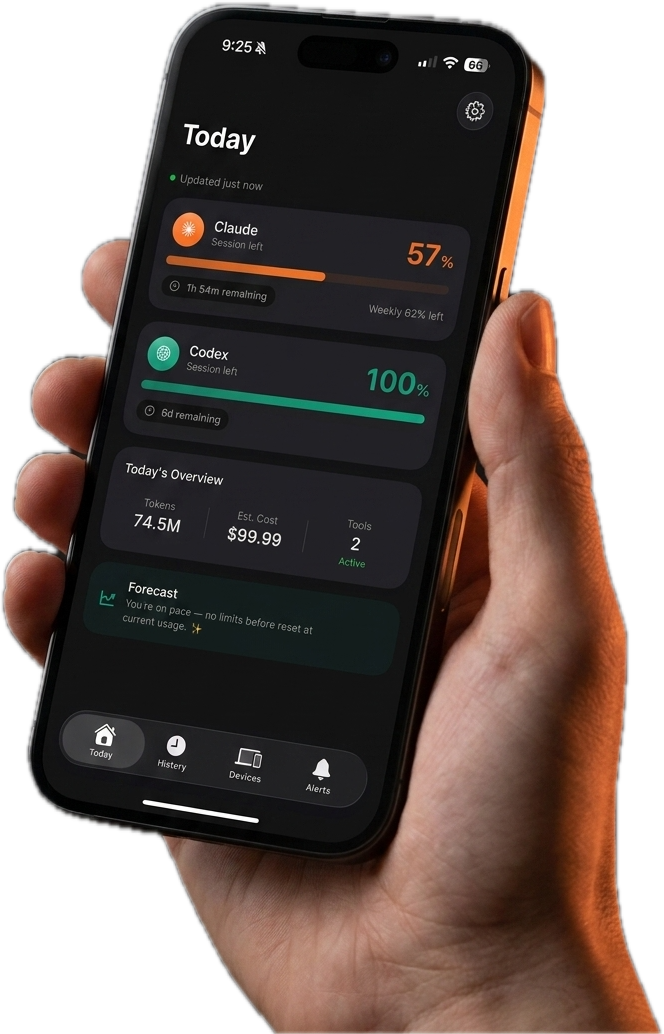
See Claude Code and Codex limits on your iPhone, widgets, and Mac — before you hit the wall.
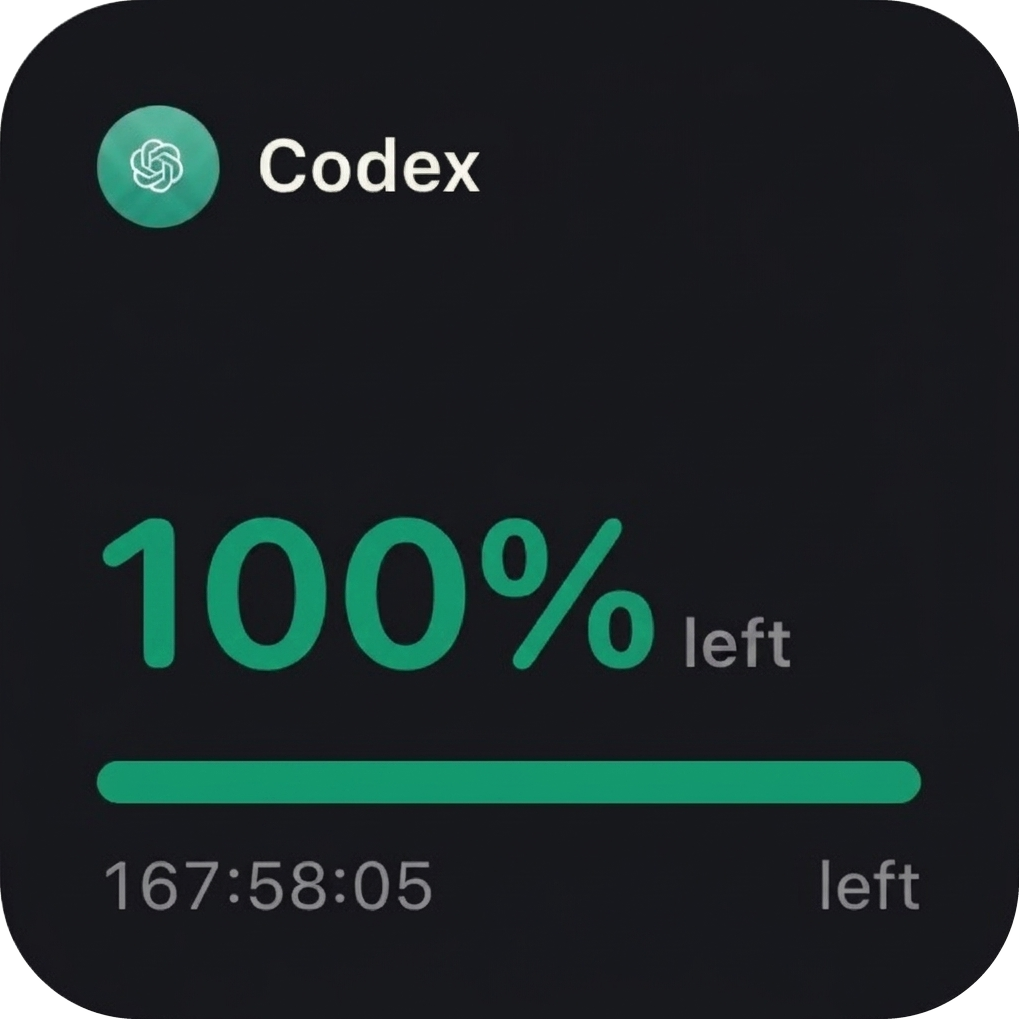
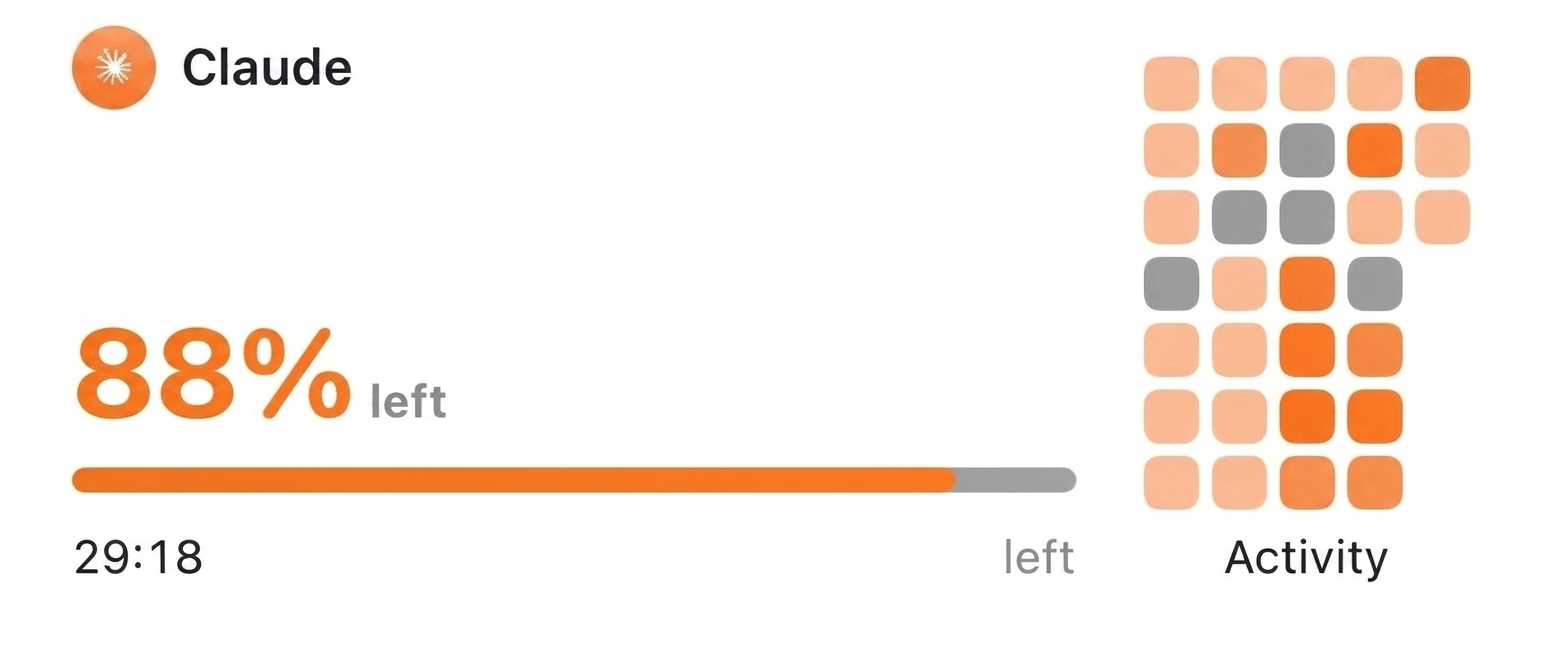
Percent left, reset countdowns, token totals and activity — right on your Home Screen.
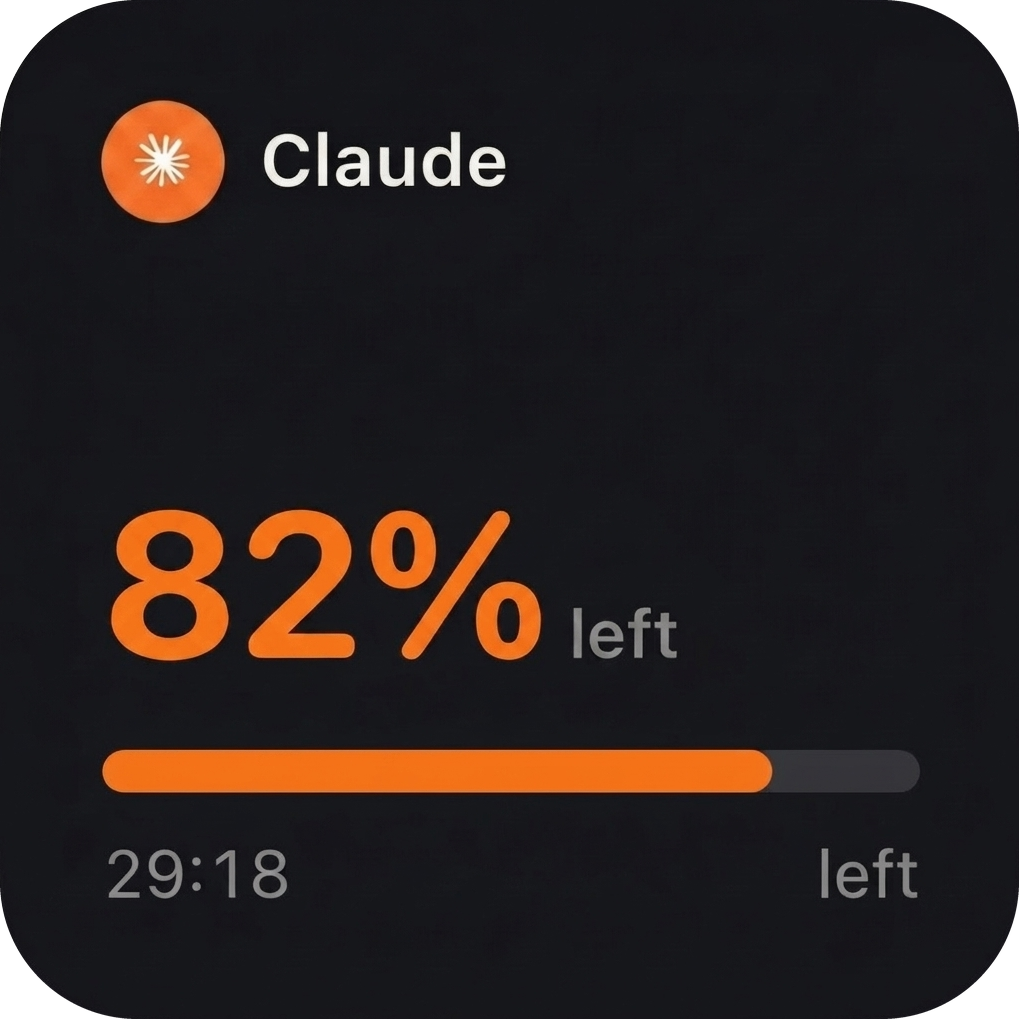
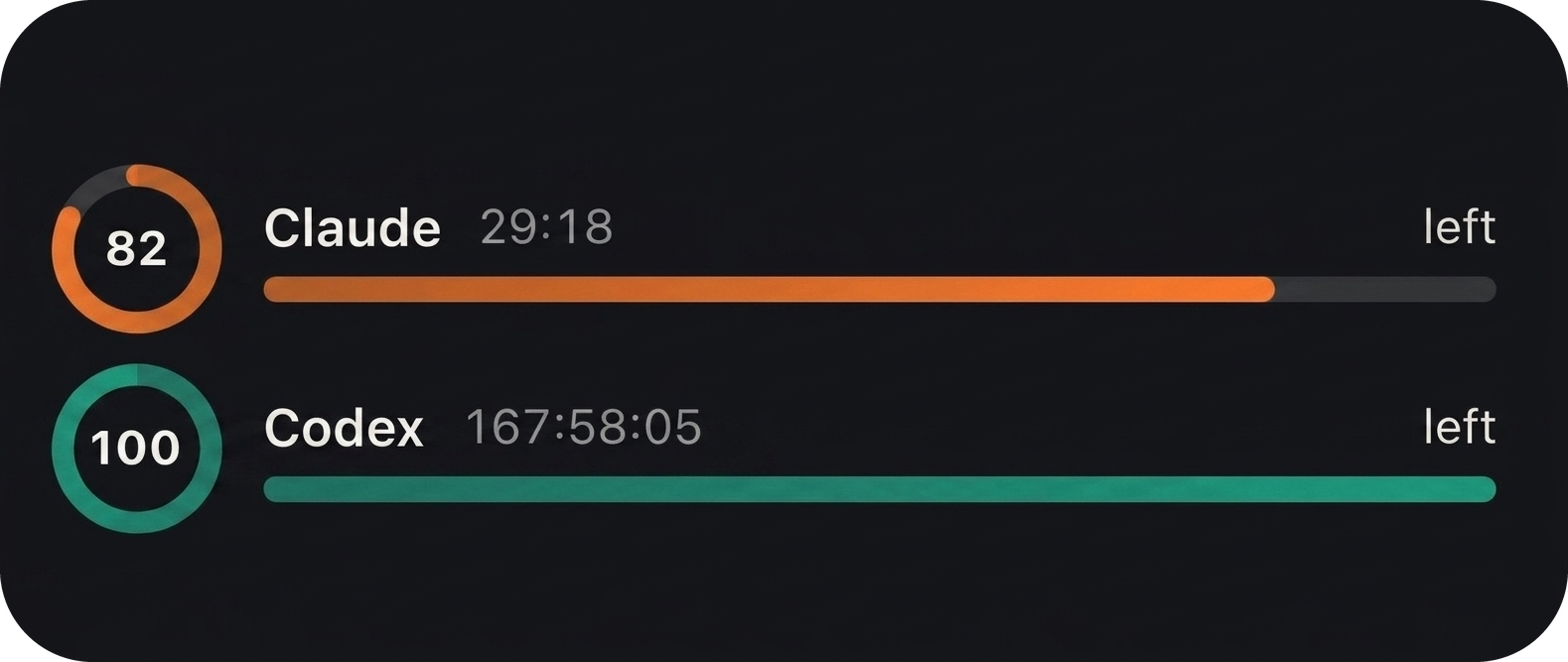
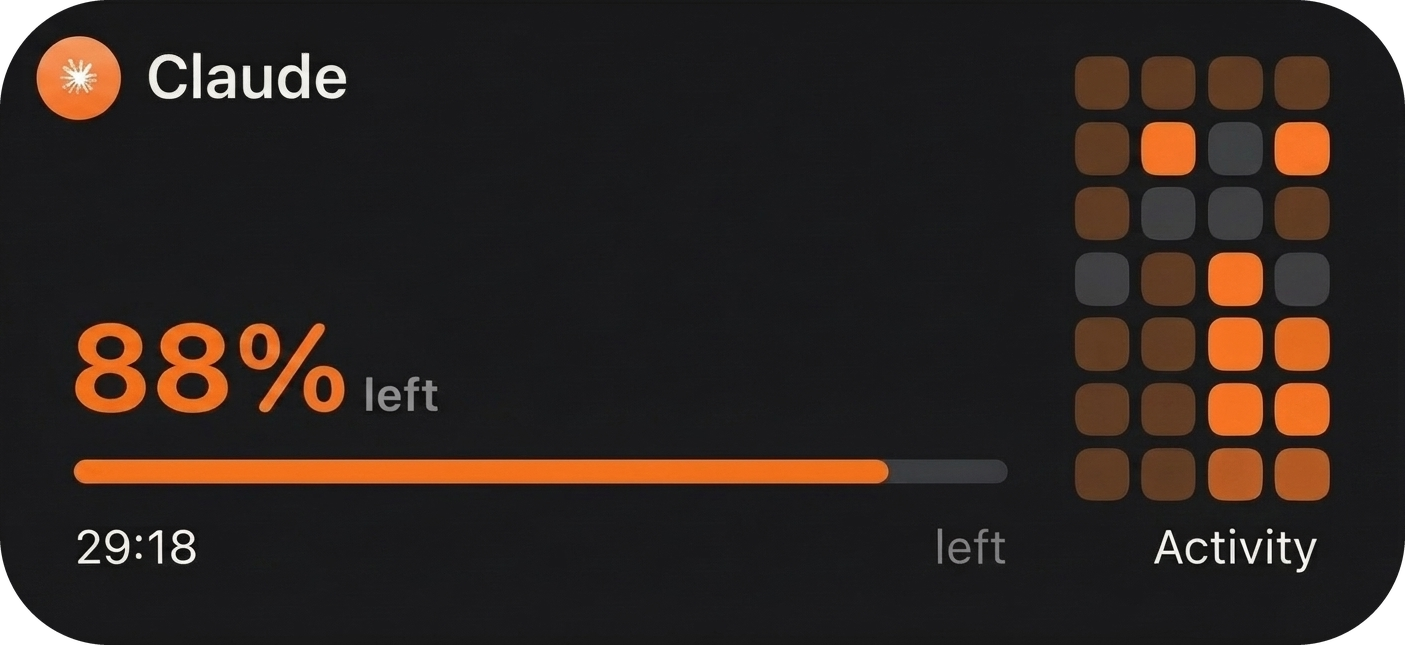
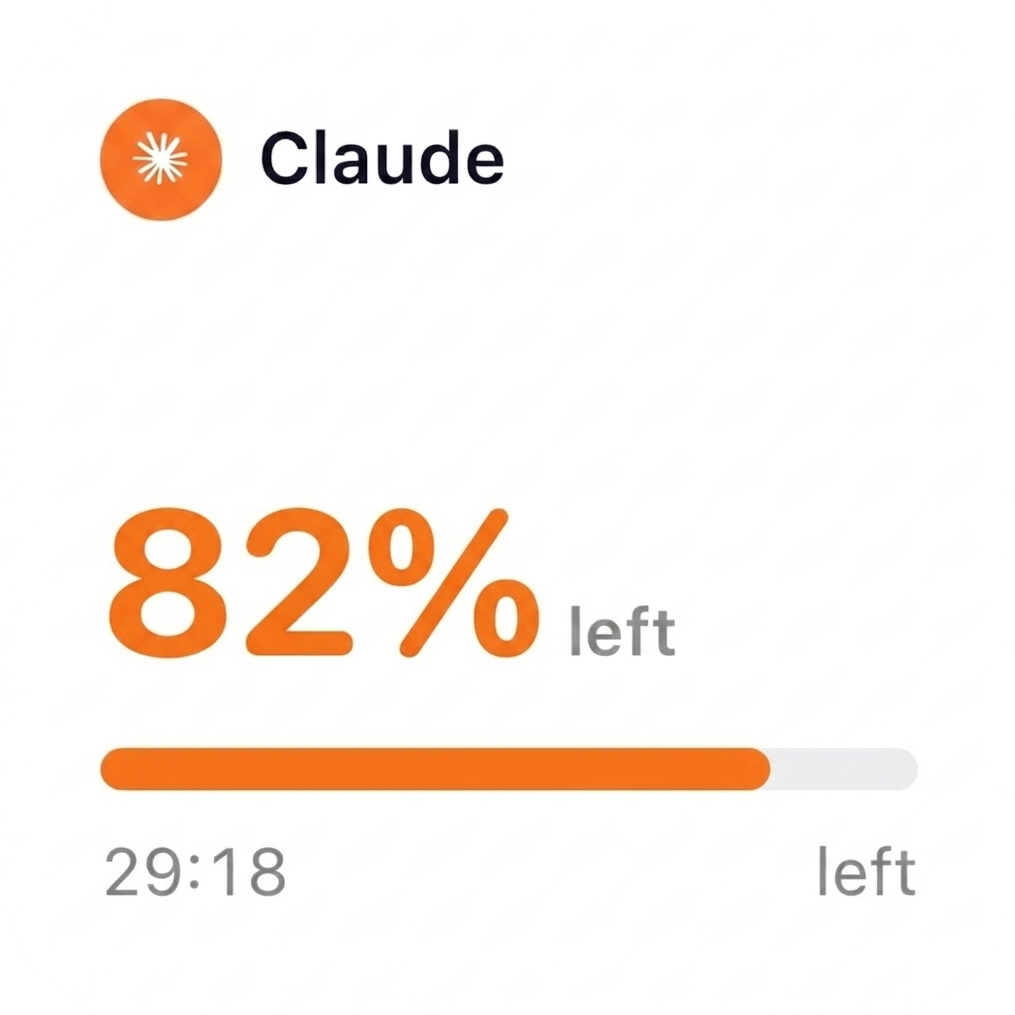
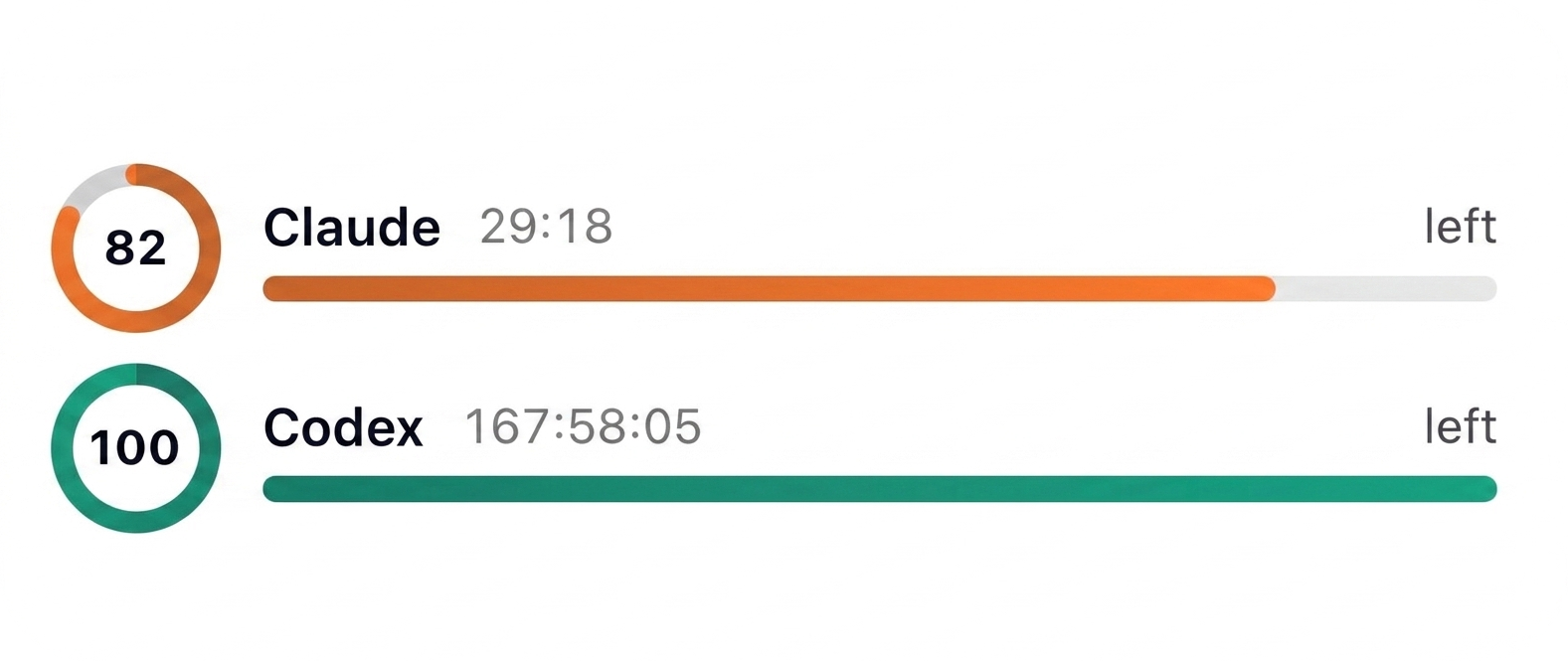
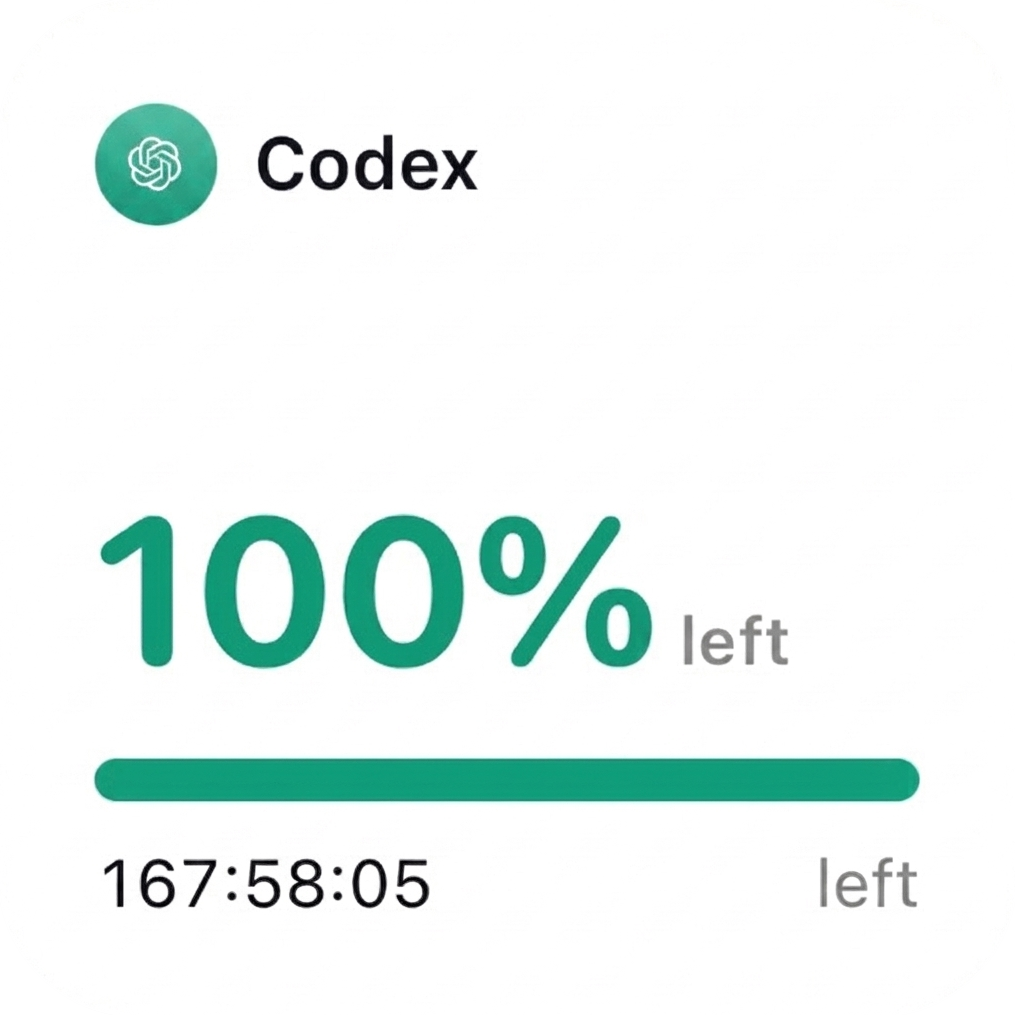
 Claude Code
 Codex
Codex
Tokens quietly reads usage on your Mac, syncs a tiny private snapshot through iCloud, and keeps your iPhone and widgets updated.
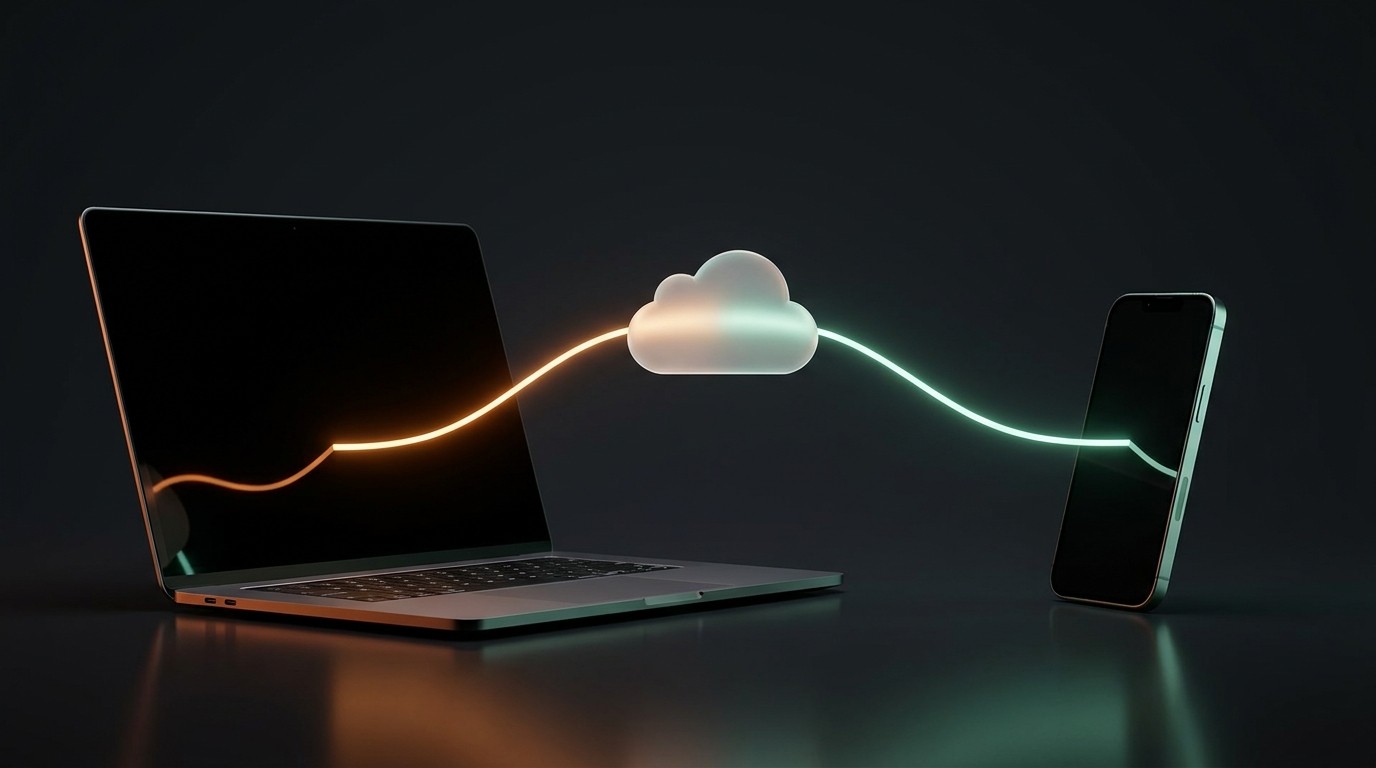
Tokens for Mac is a tiny menu-bar companion. It reads your Claude Code and Codex usage right on your Mac — no account, no config, nothing to sign in to.
Click the menu-bar icon for session, weekly and per-model limits with reset countdowns. Open the dashboard for usage history and an activity heatmap.
It mirrors a tiny usage snapshot through your own private iCloud, so the Tokens iPhone app and widgets stay live — even while your Mac is asleep.
Signed and notarized by Apple, it keeps itself up to date and reads only usage totals. Your prompts, code and API keys never leave the Mac.
Open the download, drag Tokens into your Applications folder, and it appears in the menu bar. That's the whole setup.
Tokens syncs only usage metadata through your private iCloud database — percentages, reset times and token totals. There is no Tokens account, no tracking server, and no database we can browse.
No. Tokens syncs only usage totals, percentages, and reset times through your private iCloud database. Prompts, conversations, source code, and API keys never leave your Mac.
It's the Tokens companion — a free, notarized menu-bar app for macOS 14 or later. It reads your Claude Code and Codex usage locally and shows it in your menu bar and a dashboard. It also syncs a small private snapshot through your iCloud so the iPhone app and widgets stay live. There's nothing to sign in to, and it updates itself automatically.
Yes — the Mac companion is what reads your usage. Claude Code and Codex run on your Mac, so the companion collects the numbers there and carries them to your iPhone through iCloud. The Mac app is free and always will be.
Your Mac periodically collects and syncs fresh usage. While it's offline or asleep, your iPhone and widgets keep showing the most recently synced numbers — and tell you how old they are.
No. Tokens is an independent usage companion by Tiny App Studio and is not affiliated with Anthropic or OpenAI. Claude and ChatGPT are trademarks of their respective owners.
iPhone running iOS 17 or later, and a Mac running macOS 14 Sonoma or later for the companion. Widgets work on the Home Screen and Lock Screen.